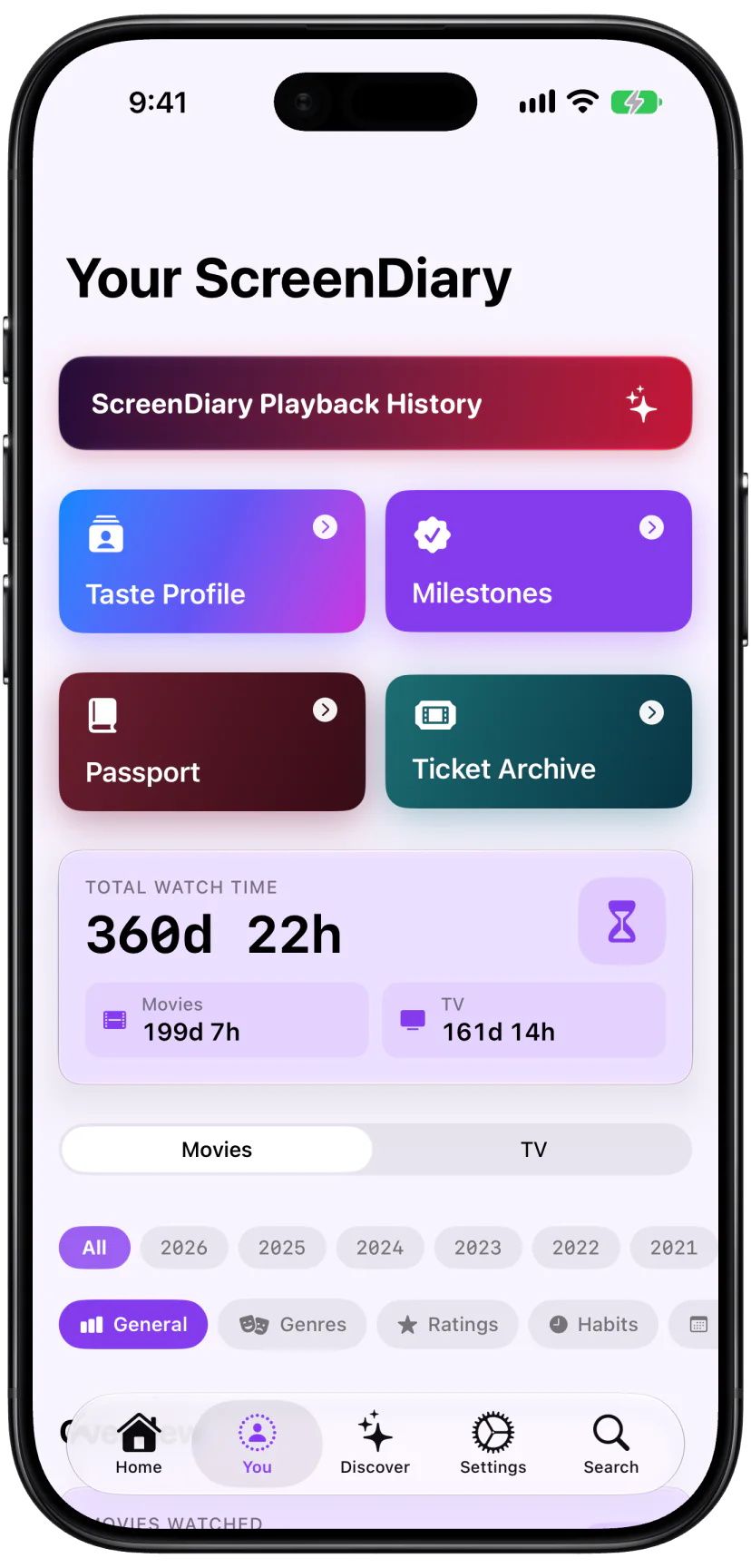
Ask ScreenDiary
Ask about your watch history, find films you’ve seen involving an actor, director or writer, and check when you last watched a title. Try personalised questions about your library, log a movie or add to your Wishlist.
New in ScreenDiary 2.7: Ask ScreenDiary, Scanline, iPhone Duo support, Carousel and new app icons. Scanline by ScreenDiary is also available now on Apple TV.
Ask about your watch history, explore your streaming services with Scanline, and browse your movies in Carousel.
Ask about your watch history, find films you’ve seen involving an actor, director or writer, and check when you last watched a title. Try personalised questions about your library, log a movie or add to your Wishlist.
See what’s new, coming soon and leaving your streaming services. Filter movies and TV shows by genre and save titles to Bookmarks.
Updated navigation and layouts for both the inner and outer screens.
Browse a carousel of movie posters, with reflections and smooth scrolling.
Explore the new Scanline family of app icons.
A dismissible announcement on Home lets you read about updates in your own time. Release notes are always available in Settings.
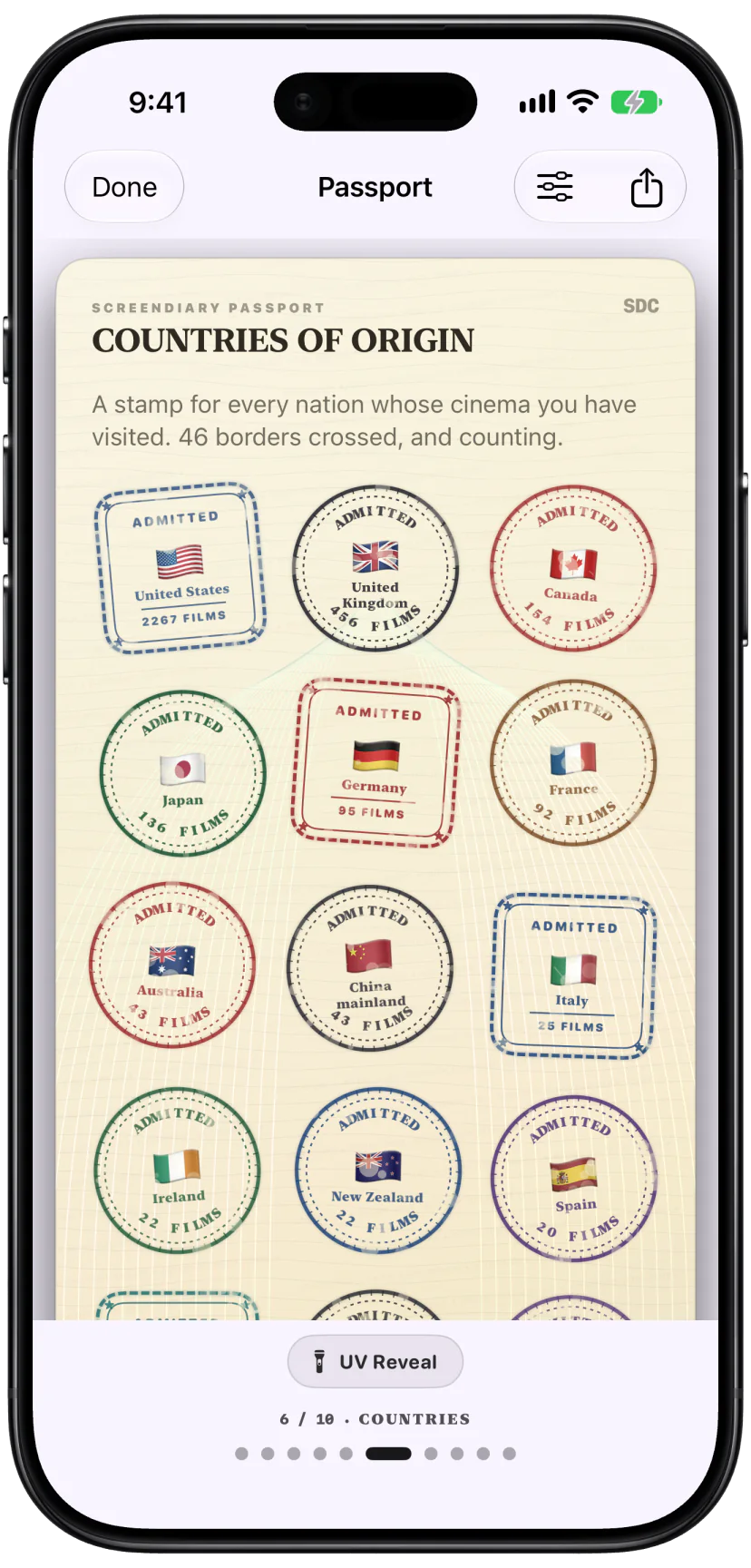
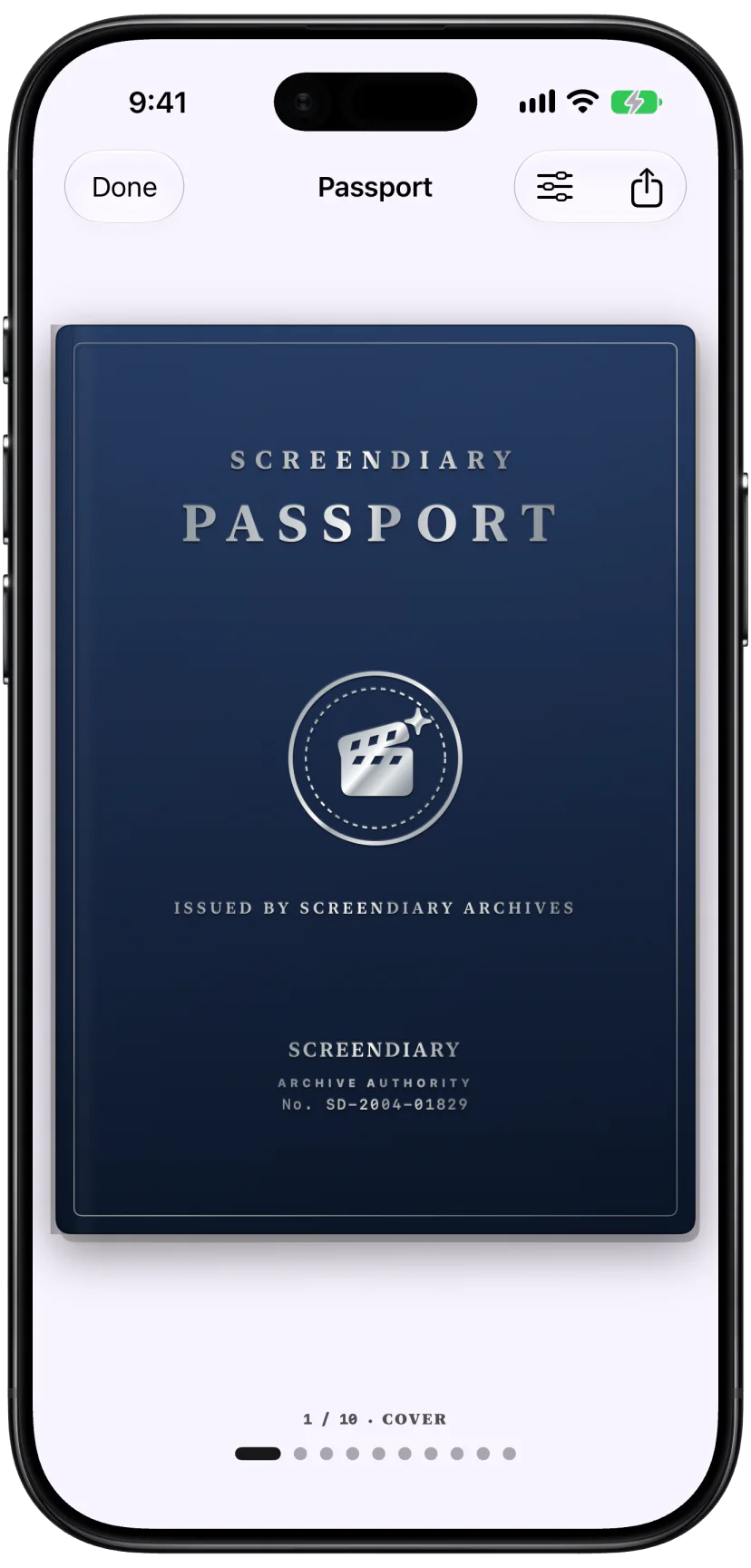
Collect stamps for the countries, languages, genres, actors, directors and milestones in your movie history.
Pick a cover, foil, ink and page layout for your Passport.
Each stamp opens to the movies that added it to your Passport.
Fluorescent security details appear across the page.
Make a card from one page, or export your complete Passport.
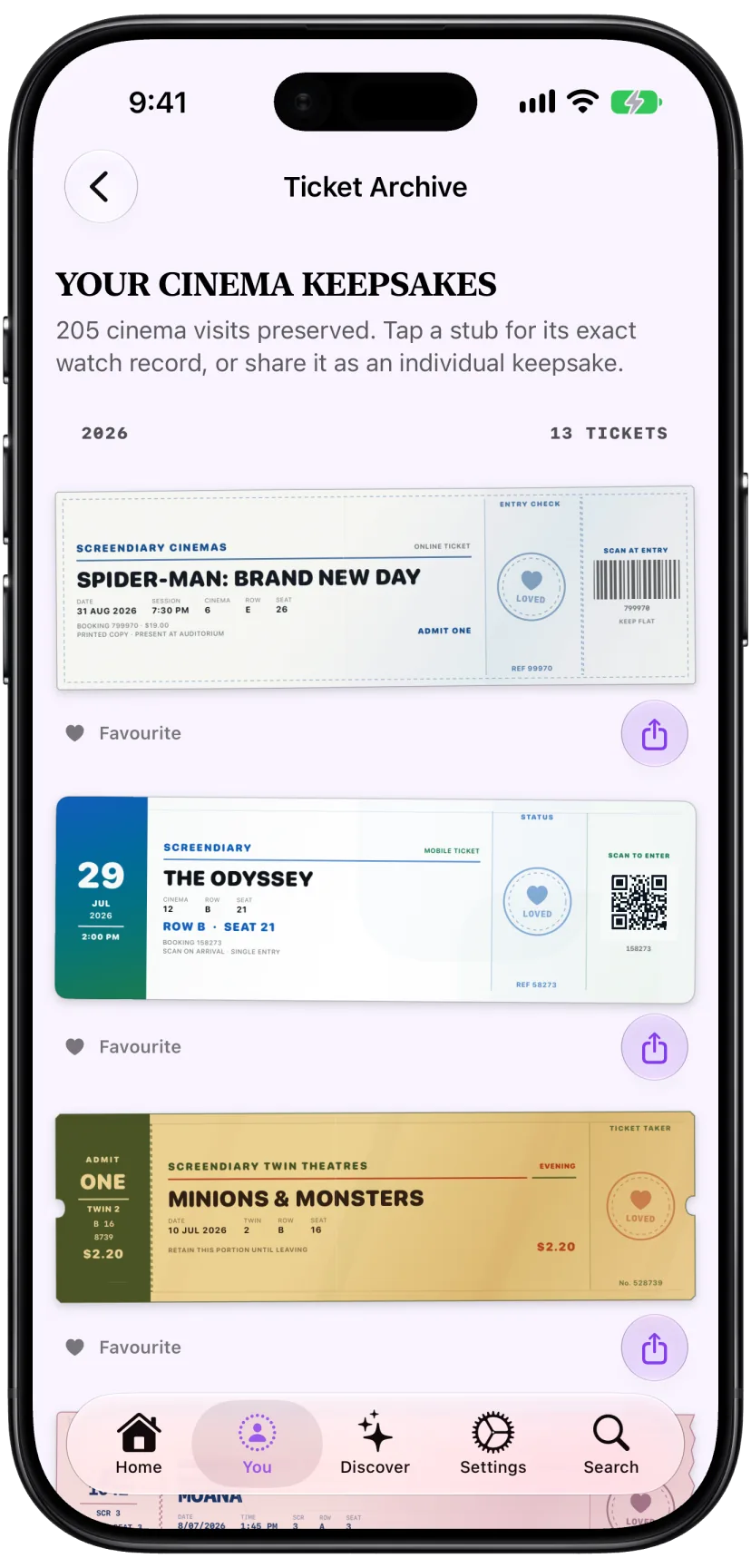
When you log a movie at the cinema, ScreenDiary automatically makes a collectible ticket stub and adds it to your Ticket Archive. Choose a print style, open the watch behind each ticket, and share your favourites.
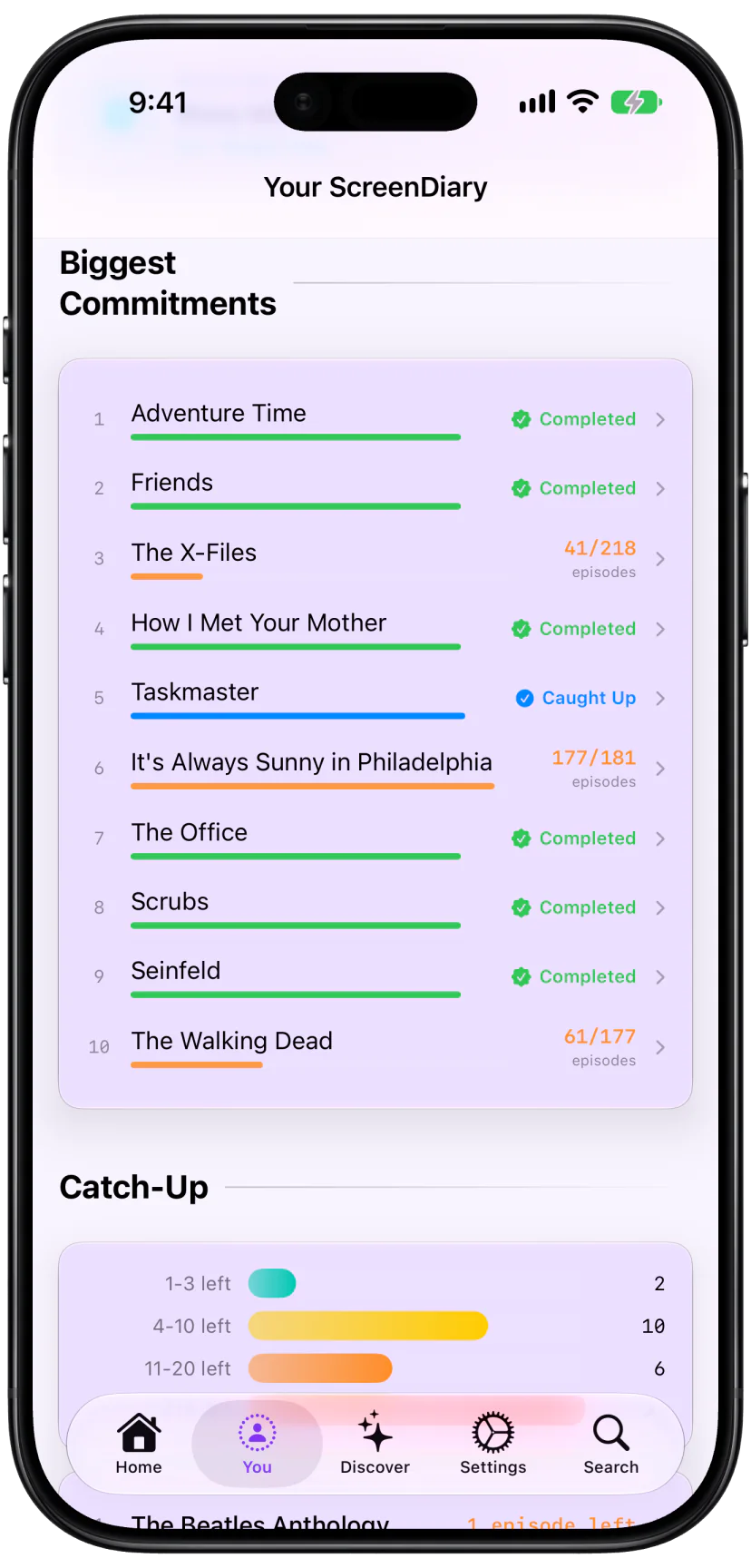
ScreenDiary gives TV the same depth of statistics as movies, included for free. See episodes, seasons, series, cast and crew, genres, networks, studios, watch time and progress history.
See how often each person appears across the episodes you have watched.
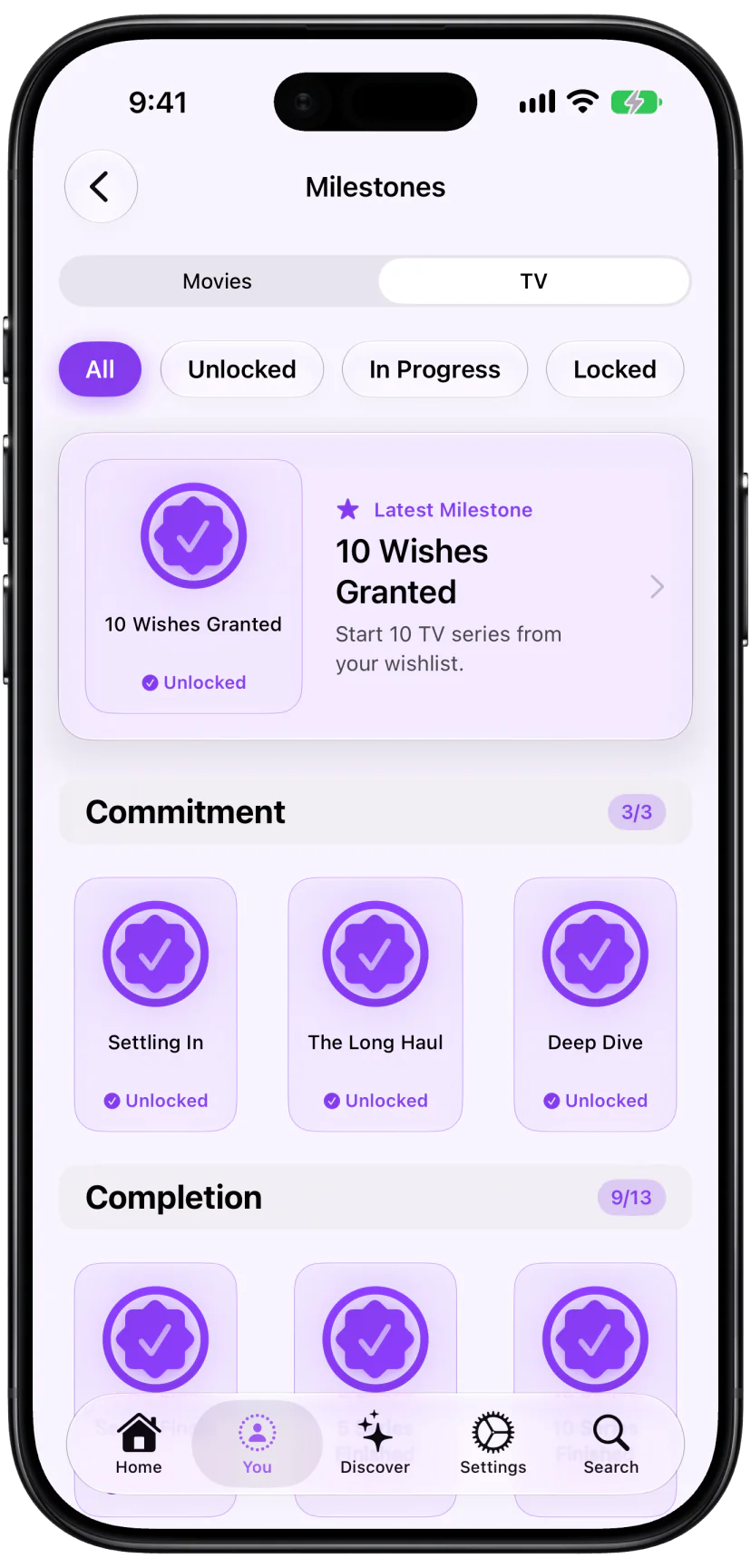
Track milestones for episodes, seasons, genres, networks, people and more.
Review added and corrected episodes, including progress brought in through imports.
Totals cover individual episodes, complete seasons and whole series.
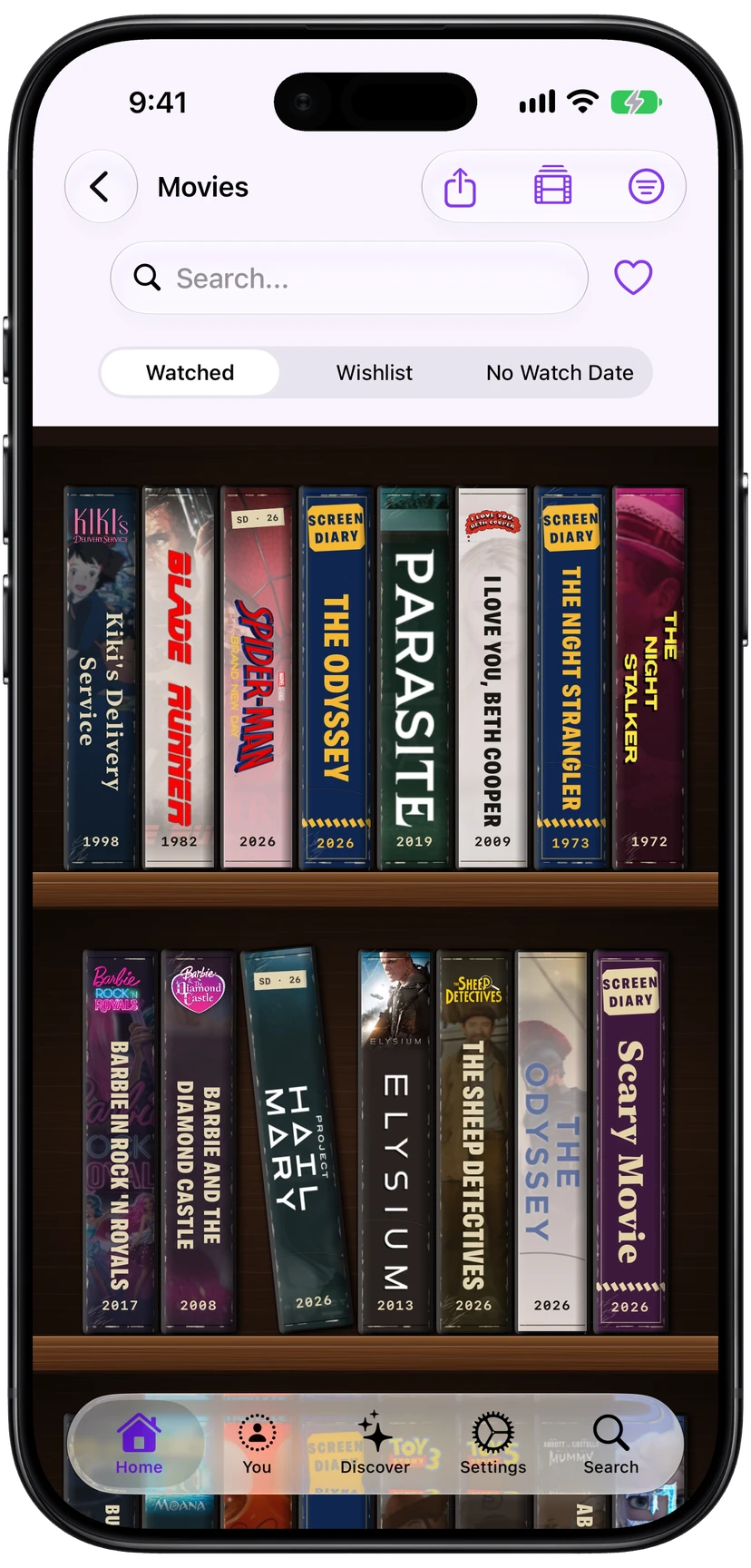
Browse your watched movies and wishlist as cases on a wooden shelf. Choose Shelf View from the movie view menu to try it out.
Log the exact version you watched with its own edition name, runtime and optional release date. Choose from an expanded catalogue of alternate editions, or mark presentation formats such as commentary, black-and-white, 3D, sing-along and more.
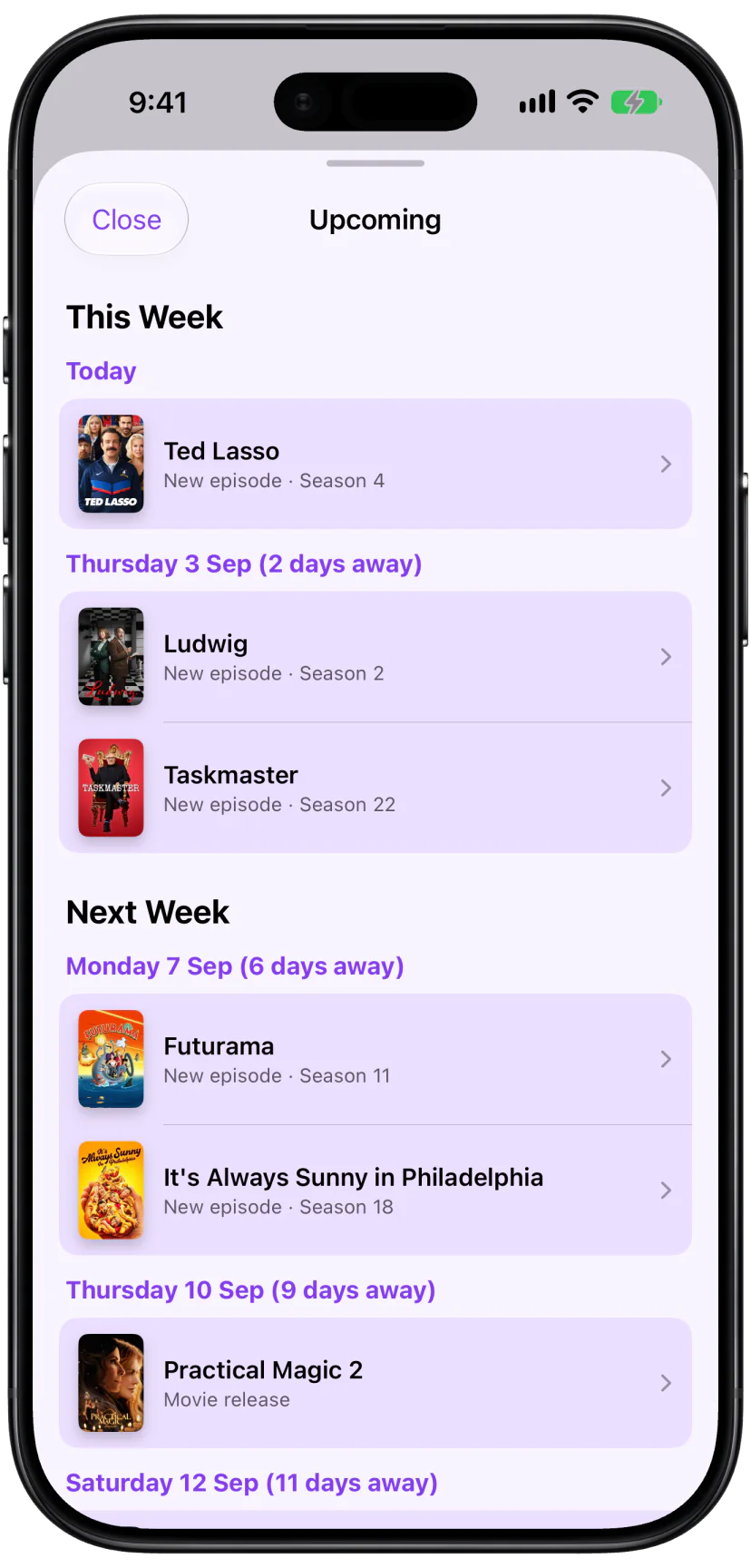
Upcoming puts wishlist movie releases and new TV episodes on one schedule. Enable notifications for movies you can’t wait for, shows you’re waiting to premiere or come back, and new episodes. You can also get a weekly summary.
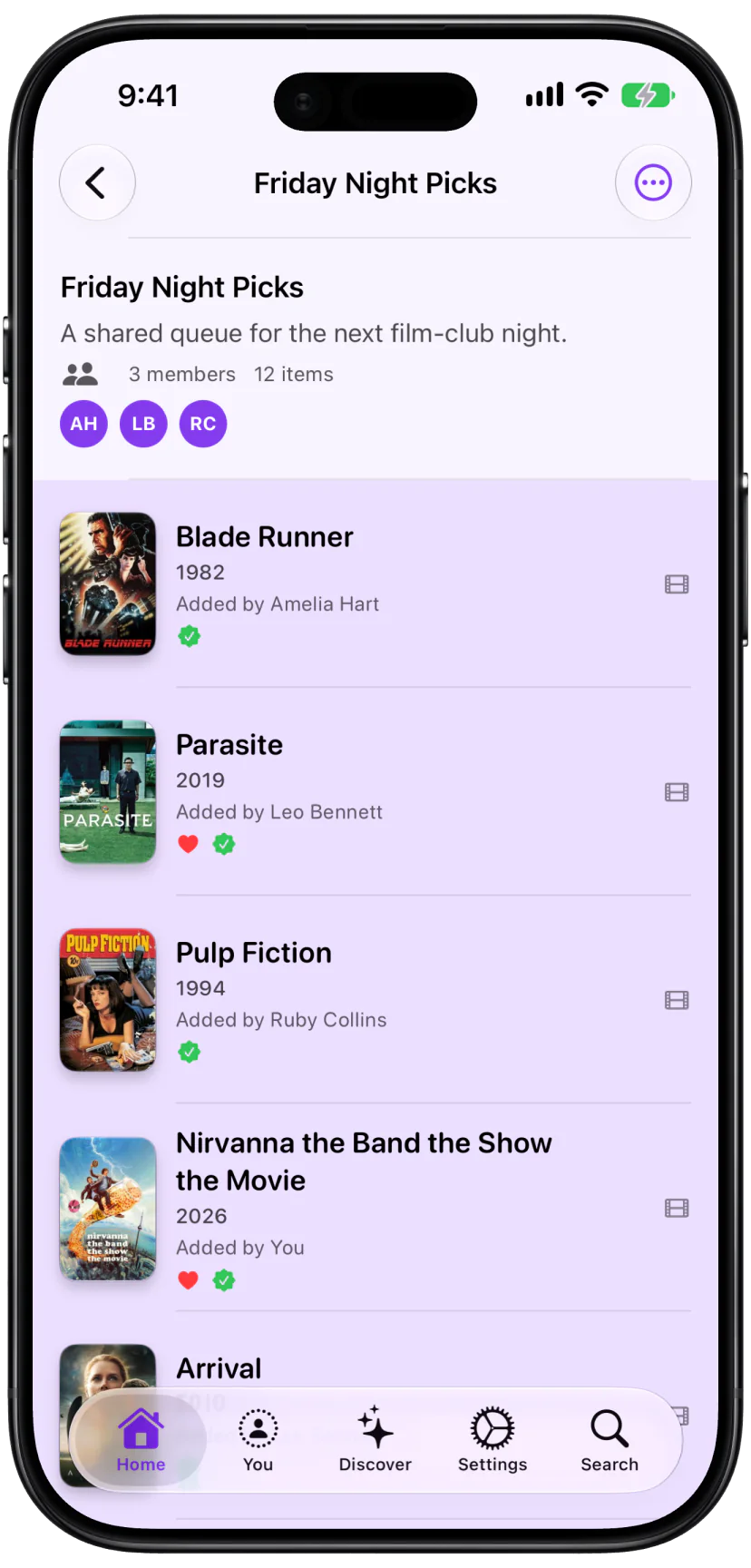
Build lists with movies and TV shows, invite other ScreenDiary users to collaborate, and create Smart Lists from your library.
Invite others through iCloud. Everyone works from the same list.
TV shows can now live alongside movies in your regular lists.
Find crowd pleasers, recent wishlist releases, unrated watches and cinema favourites.
Ask about your viewing history, search for a movie or show, and log a watch with Siri or Spotlight.
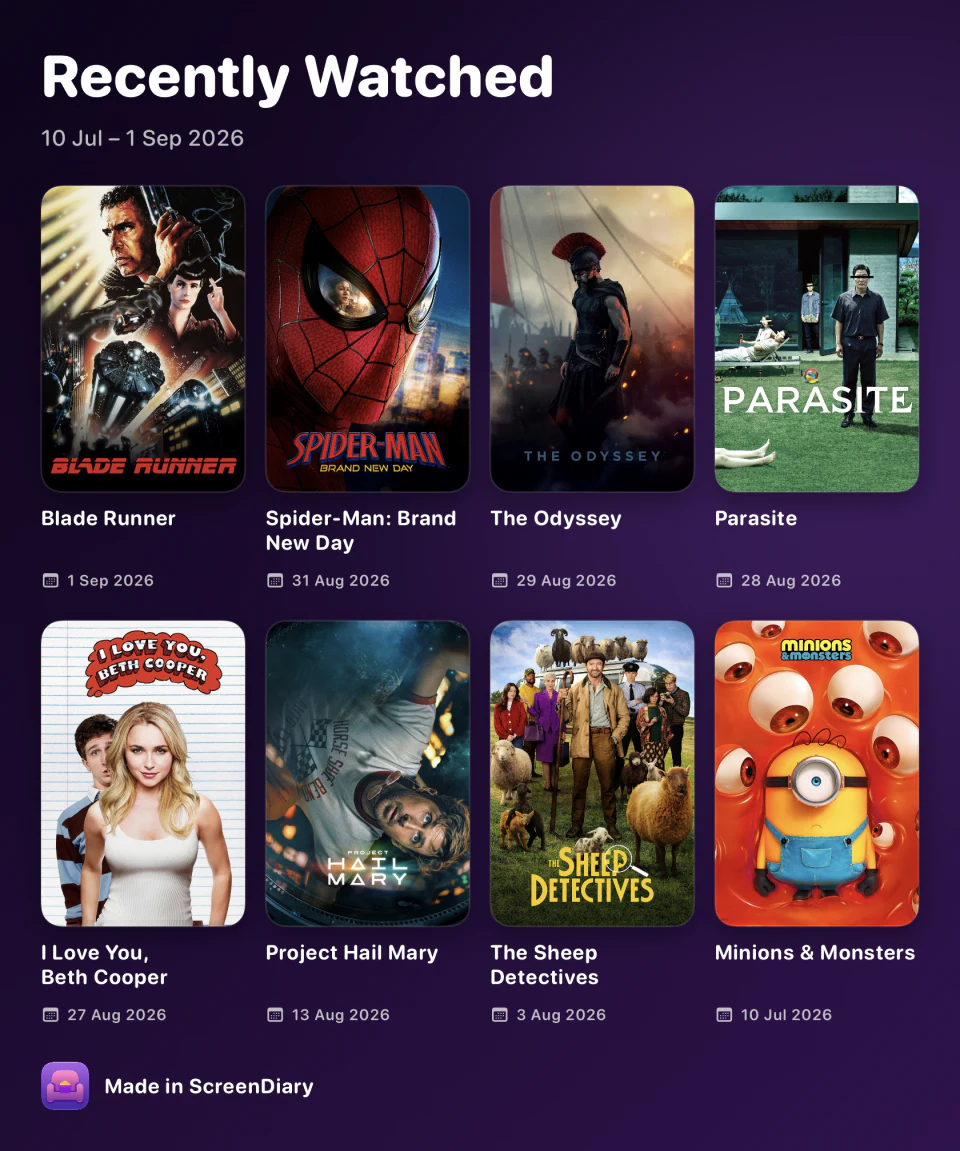
Choose On This Day, Recently Watched, Continue Watching, Wishlist, Films This Year or a favourite stat.
Photograph or import a cinema ticket, adjust its corners with a live preview, and choose Original, Enhanced or Black & White. Your original photo is kept so you can revisit your edits later.
Mark the audio version you watched to see the right voice cast and get more accurate statistics. Choose from a growing catalogue of English dubs, including alternate recordings.
Save where you watched a movie and explore your watch history on a map. Search for a cinema or drop a pin, save favourite places for next time, and choose an exact location or an approximate area.
Movie and TV filters have a new layout.
Find soundtracks for movies and shows with Spotify.
Easily export your data in a variety of formats.
Find any word or phrase you wrote.
See watches from this date in previous years.
Browse everything you have logged by date.
Arrange the sections on your Home screen.
Choose a poster while logging.
ScreenDiary is now available in French and Simplified Chinese.
New and refreshed designs join the app icon collection.
Large libraries now load faster.
Imports and exports now finish faster.
Update ScreenDiary or download it from the App Store.
Download ScreenDiaryProduct facts, pricing and downloadable assets for ScreenDiary.